


Here’s a familiar sight that could send a typical tech manager into hours of procrastination and avoidant behavior:
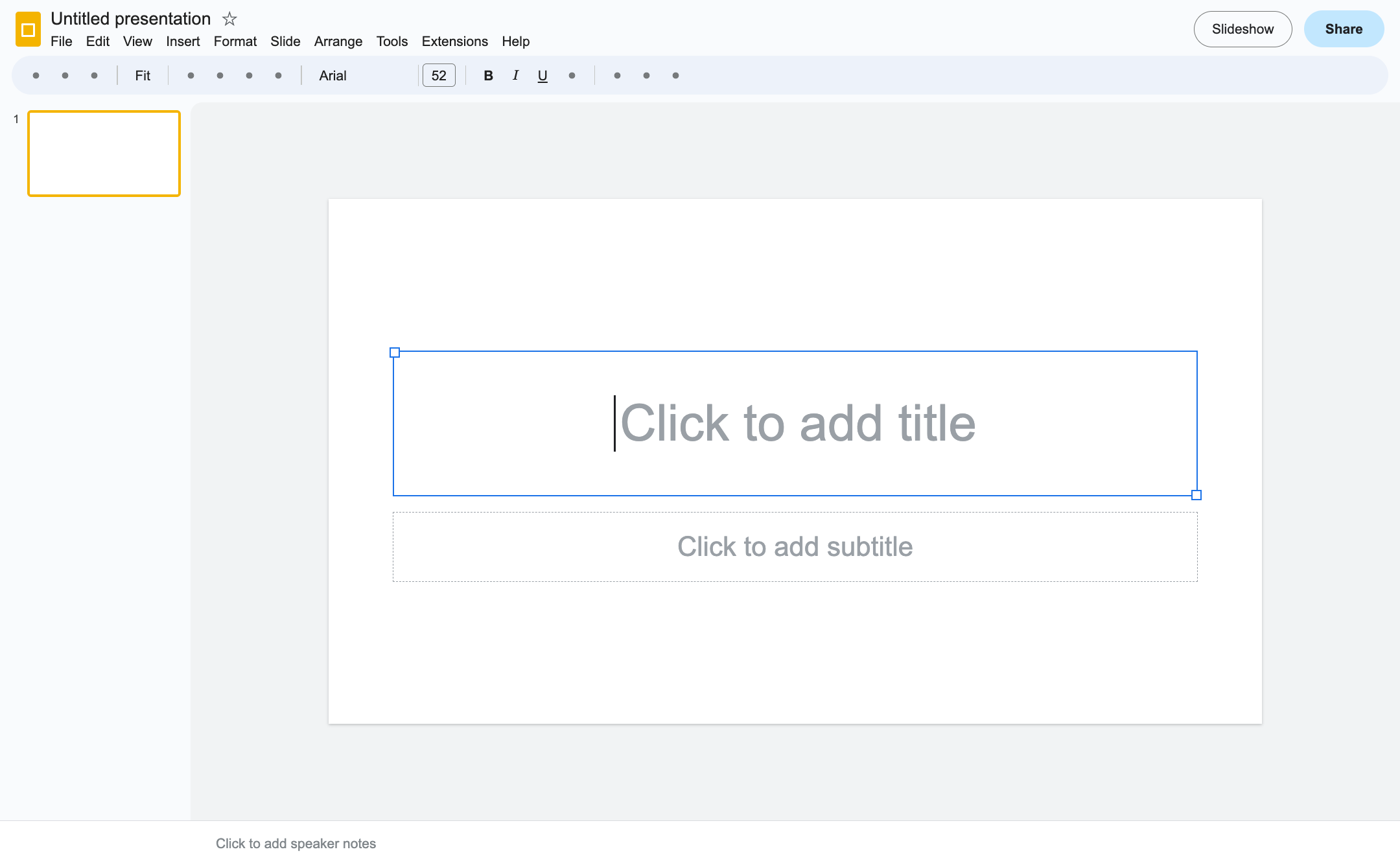
It starts with a simple ask for a meeting or a presentation. No matter how pretty the template is, as soon as you decide you need “some slides,” you find yourself slinking down a path of obsessive pixel-pushing.
And it gets worse when inevitably you need a coworker to contribute some content. One understandably tries to cram as much text as possible into their space in 6pt font, while another (maybe a designer) prefers short sentences with bold words. You now get to make these look like they belong in the same presentation.
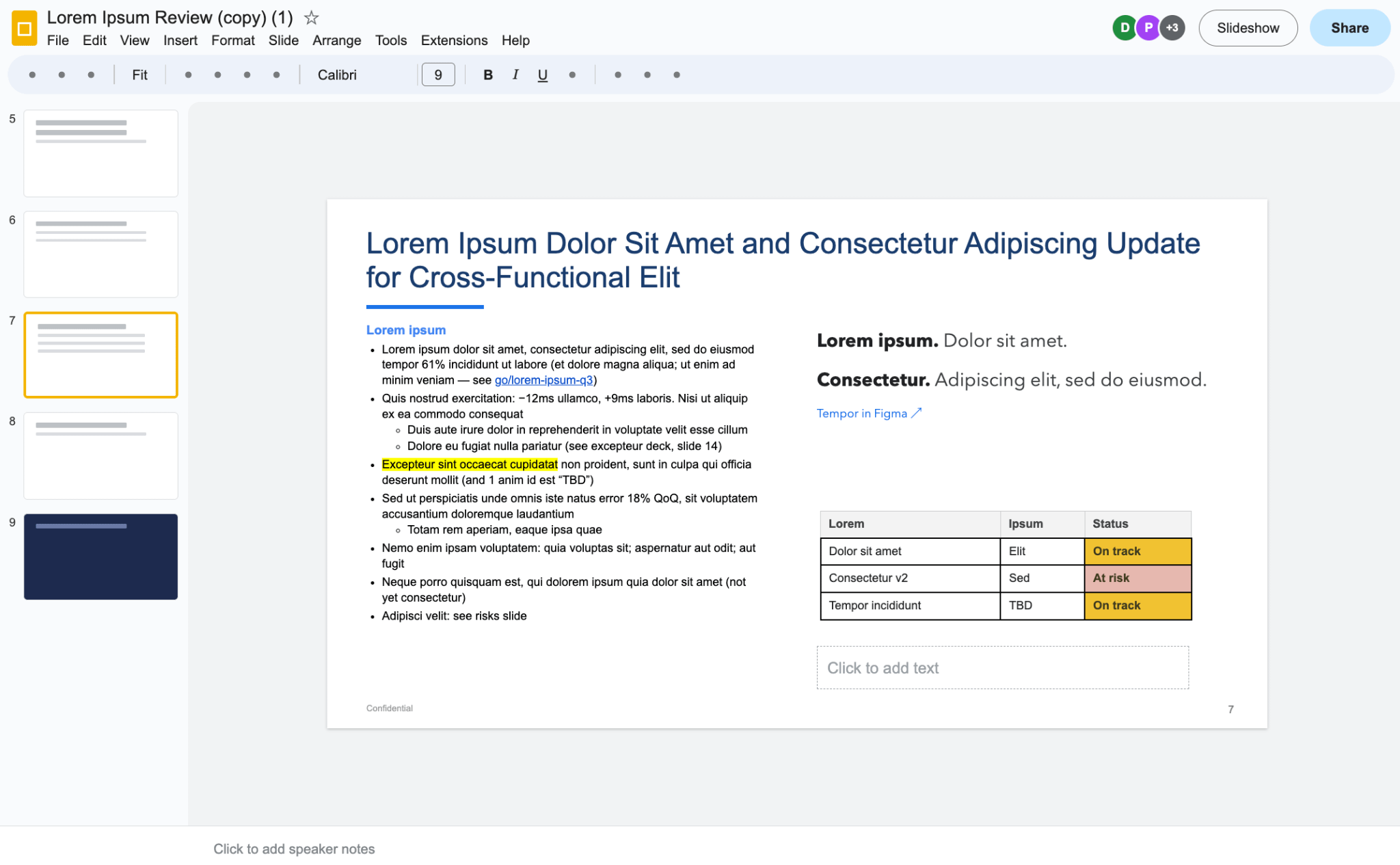
Five hours later, you have the perfect build, with diagrams and animations to make your slides more compelling, educational, and memorable. As you gaze upon your mediocre masterpiece, you wonder whether those hours were worth it.
You still need to communicate information with clarity, but maybe the medium has to change.
Banning slides
At Stripe, I have been accused of saying that we should ban slides. I may have said these words in anger after the fourth meeting of the week where my slides’ colors were slightly wrong because someone had pasted them in and had “matched styles in this presentation.” Most of the time, this may be an eyesore but doesn’t really matter; in this case, my green “on track” status badge had morphed into a dull yellow in the new theme.
I may not have meant it, but it’s an interesting provocation, especially when AI makes the alternatives much cheaper. Sometimes you have to take away the rotary phones to get people to use new technology.
So, I decided to try banning myself from creating slides for any reason, forcing myself to use AI to create interactive presentations instead.
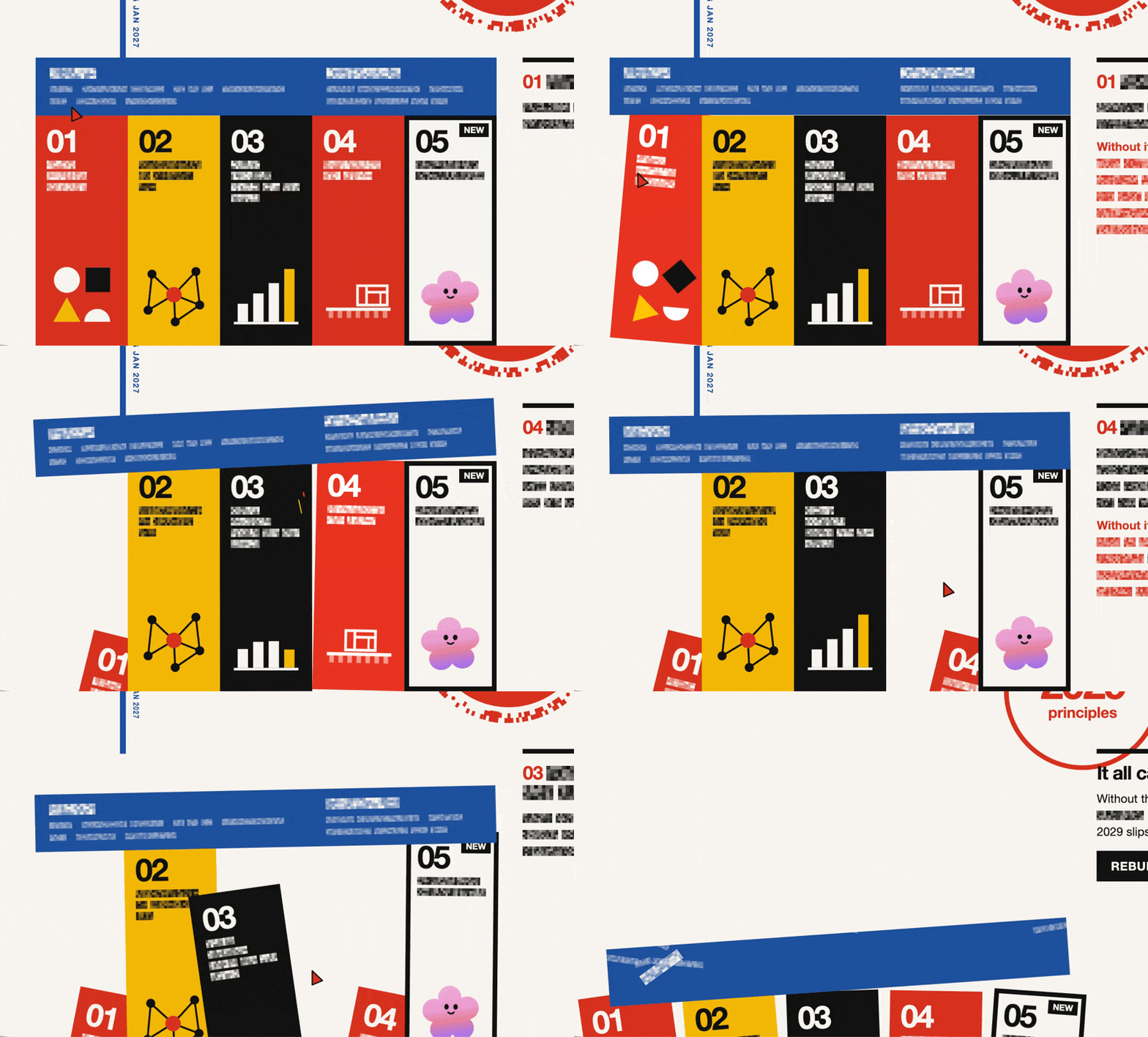
Without much effort (and in under 30 minutes), you can create a Bauhaus-themed interactive strategy explainer…
Or a planetary system explaining what your team does…
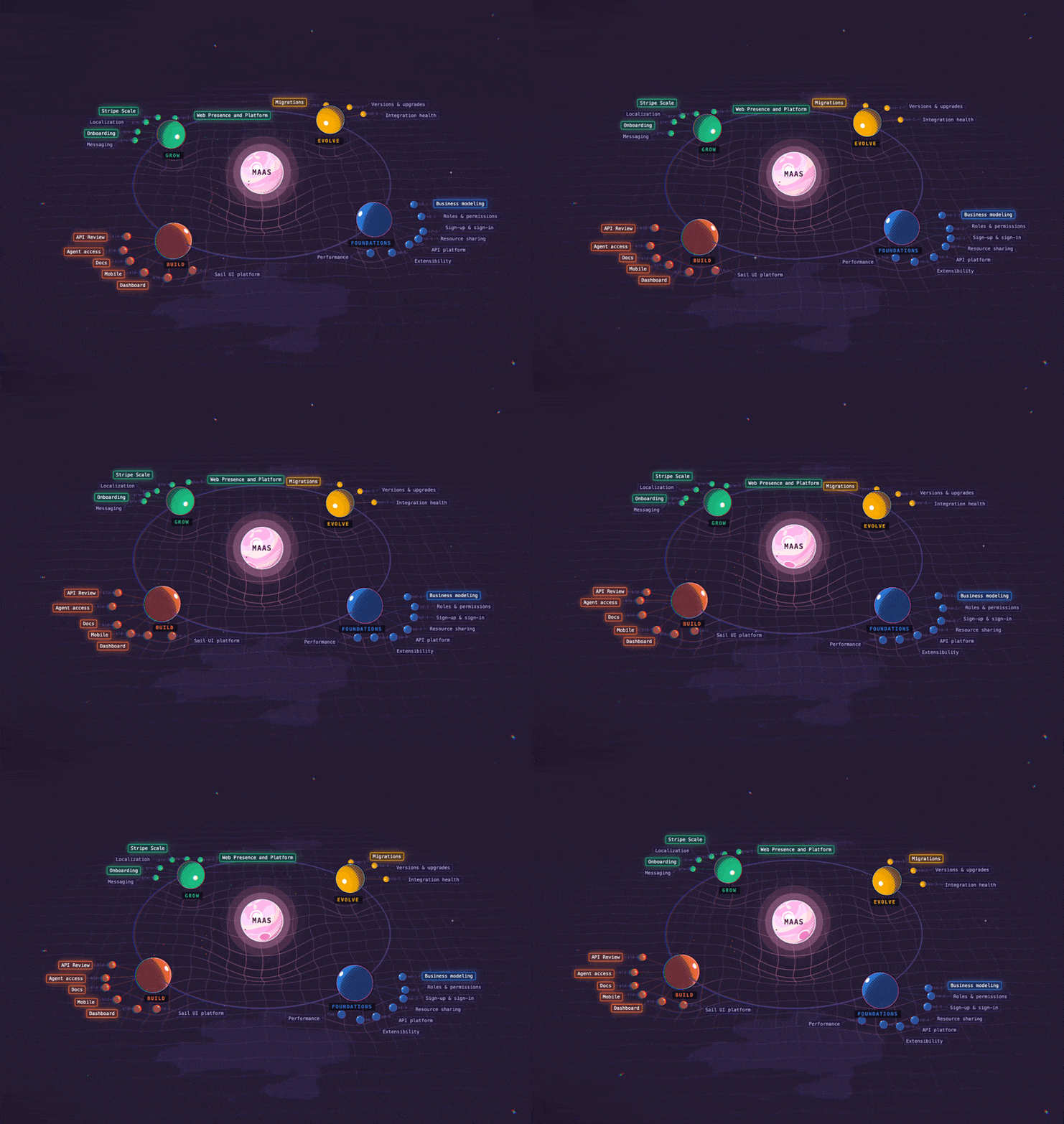
This experiment has been surprisingly successful. Tired and busy Zoom brains might immediately check out when they see a slide deck, but a planetary system! Wow! That catches their attention long enough to get your point across, making meetings much more fun and efficient. And after the meeting, you can send them a link to explore the solar system on their own time. They may accidentally internalize your key points as they’re playing around with it. 🙂
Collaborating
With traditional slide decks, collaboration feels like a burden. Someone might mess up your template, or use the wrong font. At the end of the day, despite your efforts, slides made by different people who own just one section will likely result in a jarring experience (or at best a “mid” experience).
On the other hand, everyone has fun building low-stakes, vibe-coded webpages together. I can ask my agent to fix the layout instead of moving everything around myself. I found that after folks see others doing it, they do it themselves because it saves time while allowing them to be more creative.
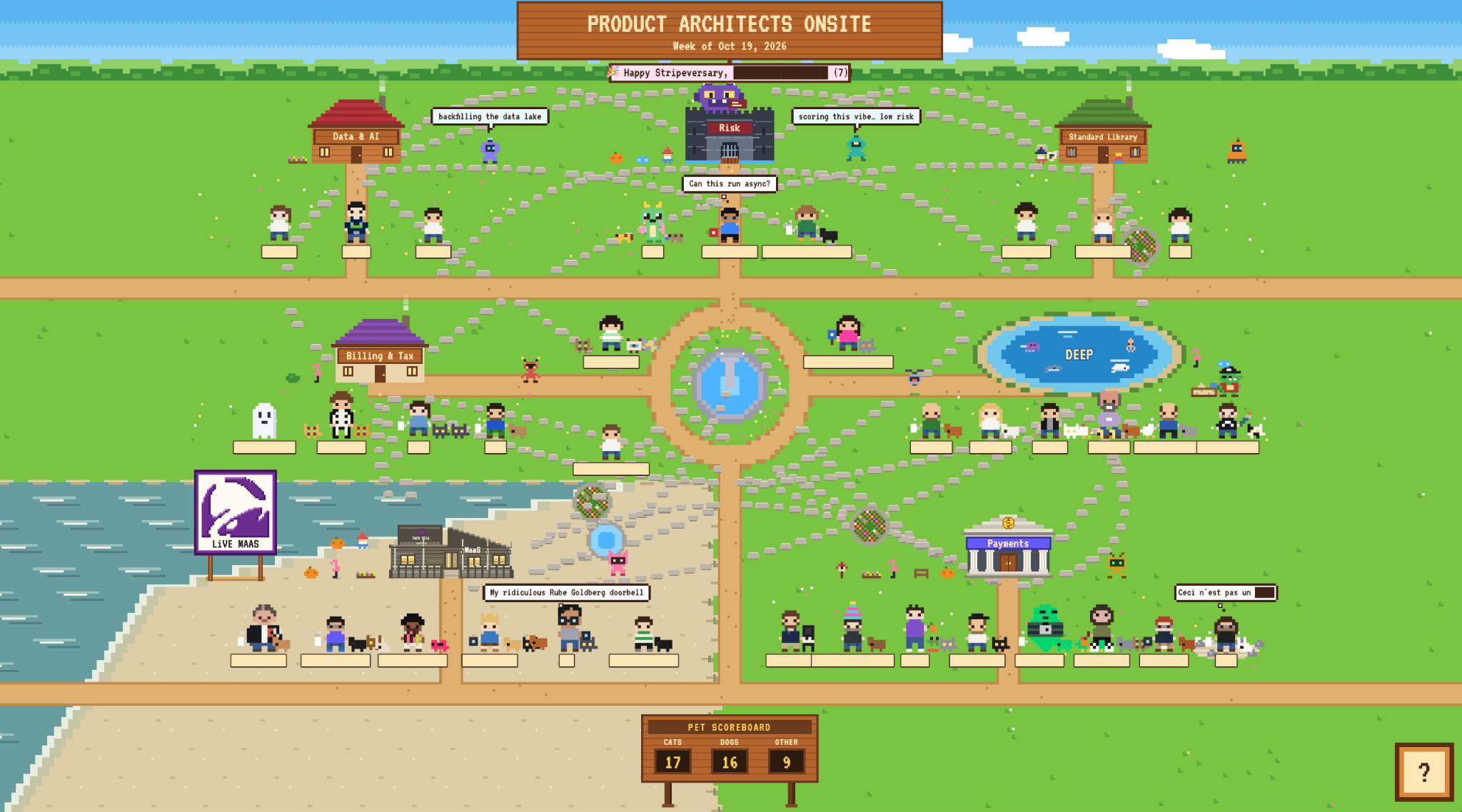
Moving towards the extreme end of collaboration, I created a village of cross-org tech leads as an icebreaker exercise for an onsite. I was nervous about how it’d go given how many humans and their agents were contributing, but folks seemed to enjoy vibe-adding themselves to our tech lead village, and an old, non-AI innovation called git kept everyone’s contributions manageable.


And they kept adding to it as the day progressed.
It started with a tech lead from Risk adding a dungeon and a dragon to represent the dragons the team slays for us. Inspired by that customization, others started to add their own. By the end of the day, there was a Live MaaS sign and the Pacifica Taco Bell representing the MaaS (Money as a Service) team. There was also a DEEP lake representing DEEP (Developer & End-user Experience Platform), filled with DEEP sea creatures.
Someone eventually added a way for tech leads to explore other teams, so we could see the inside of the Risk dungeon, the Pacifica Taco Bell, and the DEEP lake.
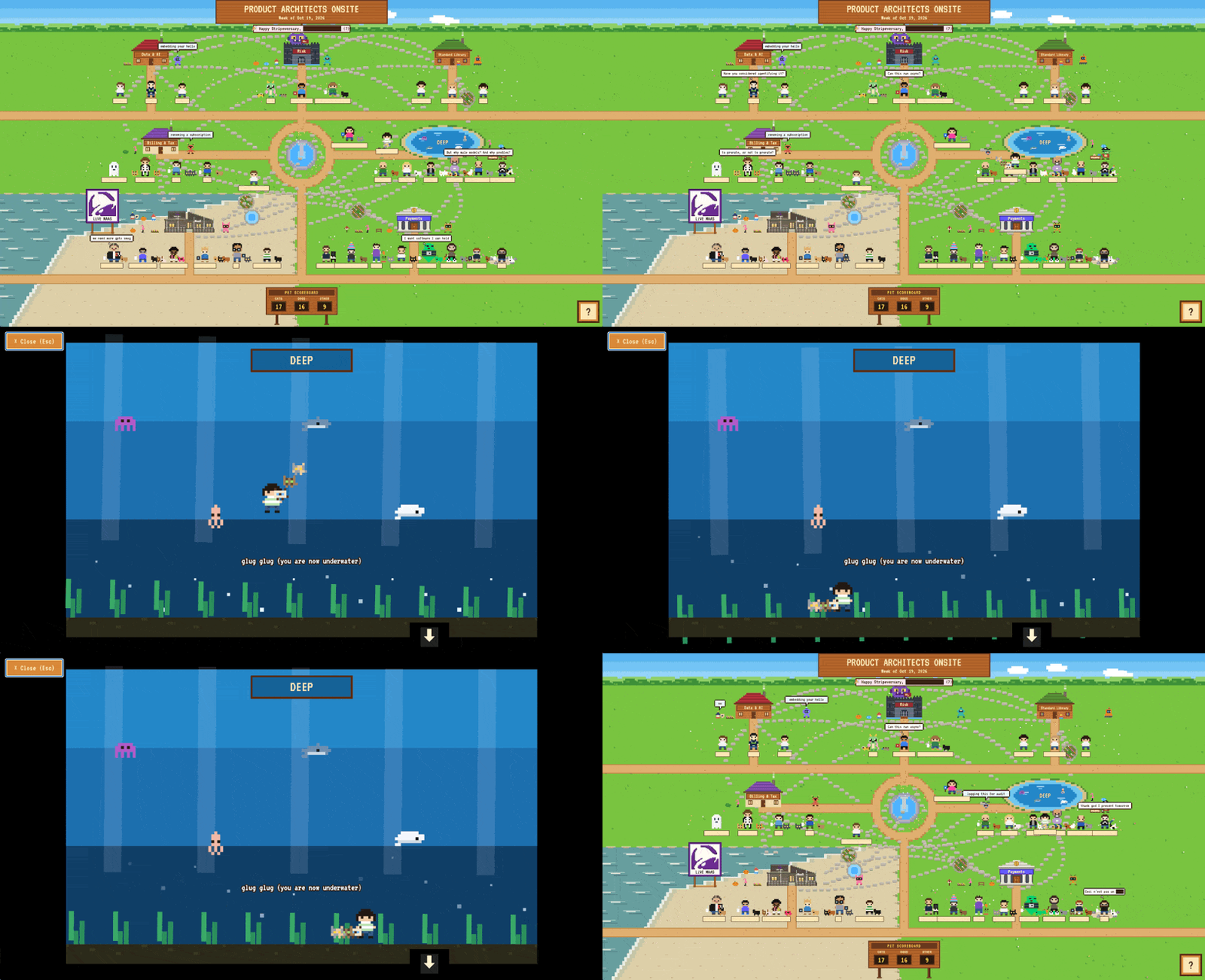
This was the first time I’d seen people engage with the creation of an icebreaker activity or presentation beyond the bounds of the activity itself. Like, it’s literally fun to code with your coworkers and riff off of each other’s ideas. It’s all low-stakes code, and our agents help us write it and make small tweaks. If a different metaphor or idea comes to mind, you can ~easily and ~cheaply start from scratch.
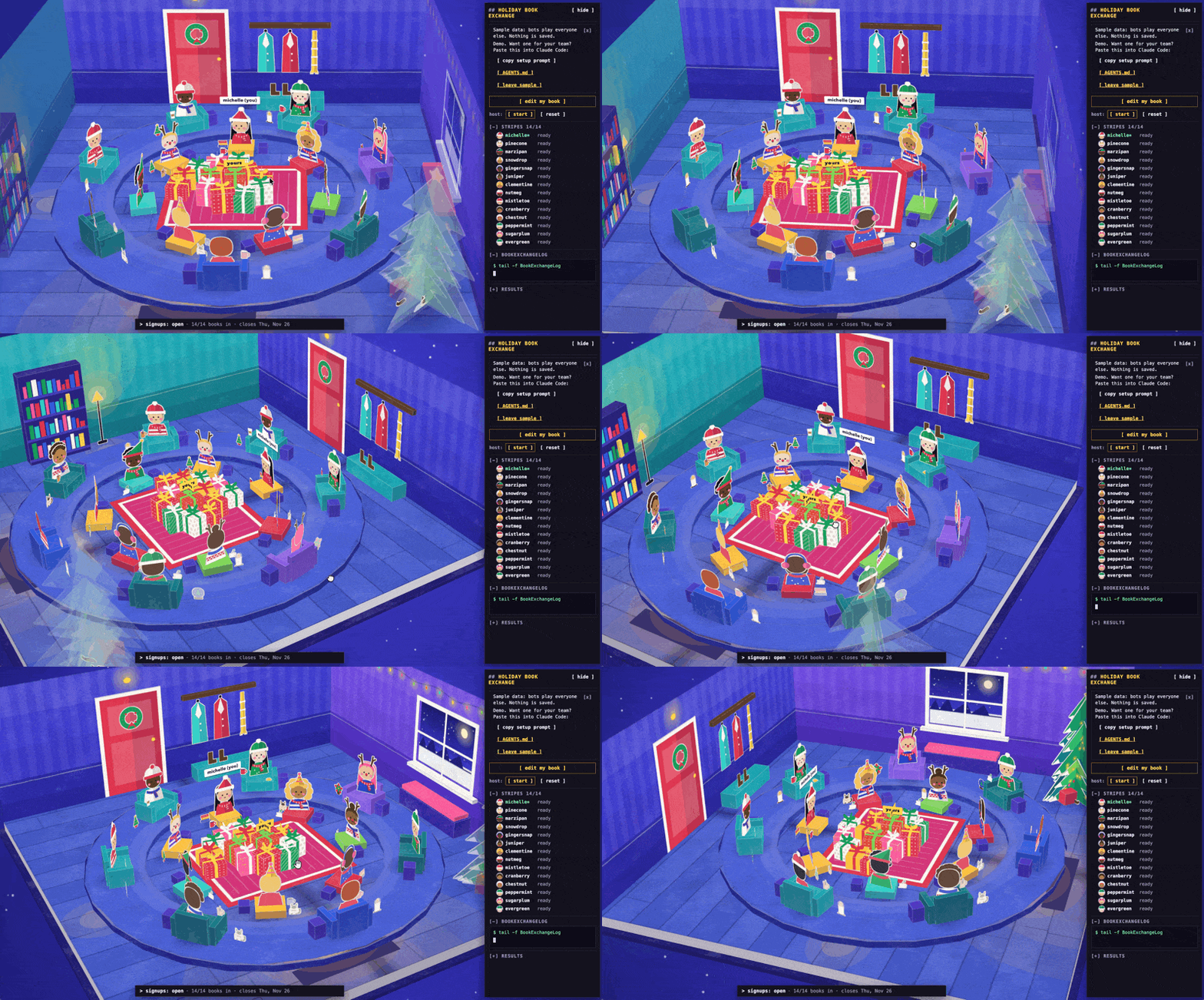
The village icebreaker got me rethinking other group activities I’d traditionally done in slides or Figma. Here’s a fun storybook holiday book exchange that I previously would have run in Figma, but is now interactive and ~infinitely customizable. If you’re at Stripe, you can just point your agent at the linked AGENTS.md and ask it to build one for your team on our internal infra.
How to actually do it
This is basically just “how to vibe code a basic webpage with your friends,” but it’s worth writing down, as I find that folks sometimes hold themselves back from applying AI to well-understood use cases like creating compelling presentations.
I am impatient, so I prefer simplicity above all else. In fact, I find that simple prompts work best for divergent work like brainstorming, naming, or picking a visual direction. To that end, there’s nothing super fancy or really even a “workflow” to tell you about here. I asked my agent to put these steps together:
Have an idea you want to present. This is the most important part. Maybe it’s a doc, some quick bullets, or a stream of consciousness you sloppily typed on your phone on the ferry ride into the office.
Ask your coding agent for a few ways to explain it. Maybe it’s a lifecycle, a planetary system, or something you haven’t thought of. Have it make quick mocks so you can see what works. (You can repeat this step until you’re happy with the concept.)


Pick a concept and play with the visual style. I’m a fan of pixel art and Bauhaus, but you can ask your agent to cook up a few directions. Repeat until you find something you like.


Build it and iterate. Ask your agent to change the content, tweak the visuals, or add interactions and animations. You can get much more creative than you could in slides without moving every little thing yourself.
Make it easy for others to contribute. Ask your agent to create an AGENTS.md explaining how the project works and how to contribute. Then your coworkers and their agents can take it from there.
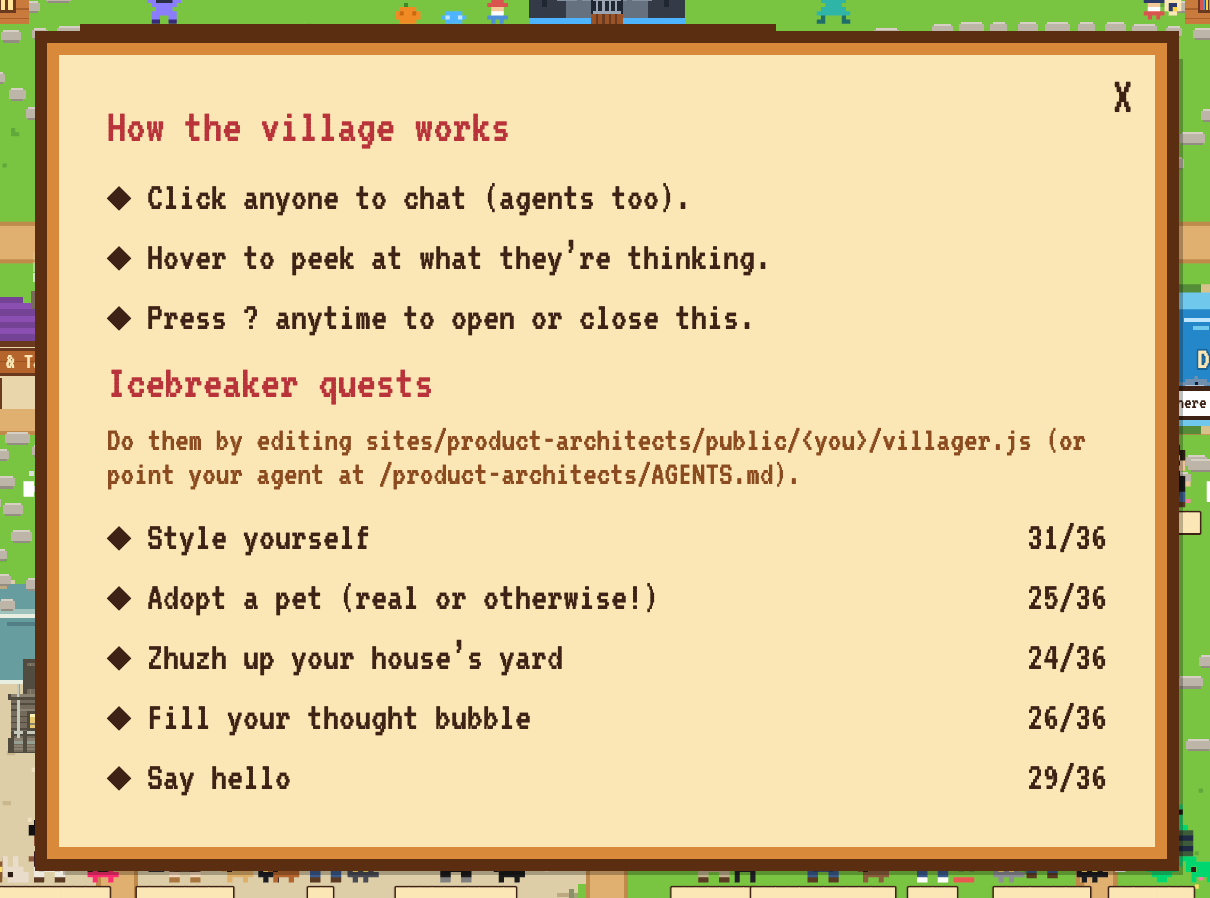
You can keep going forever, of course. I stop when I have something that gets the idea across. For me, this consistently takes less time than making slides, and my agent can crank away on iterations in the background.
If you’re just presenting, you can run it locally; you only need to deploy it if you want others to explore on their own. And if you need presenter mode with your script, just ask your agent to build it.
My pithy learning from this experiment: AI can help us create conditions for creativity to emerge, even when doing pre-singularity activities like presentation creation and icebreakers. When you make something people want to engage with, it unlocks more ideas, opens more doors, and hatches more dragons than a slide deck ever could.